How to Check if Your iPhone Is Unlocked in 2026
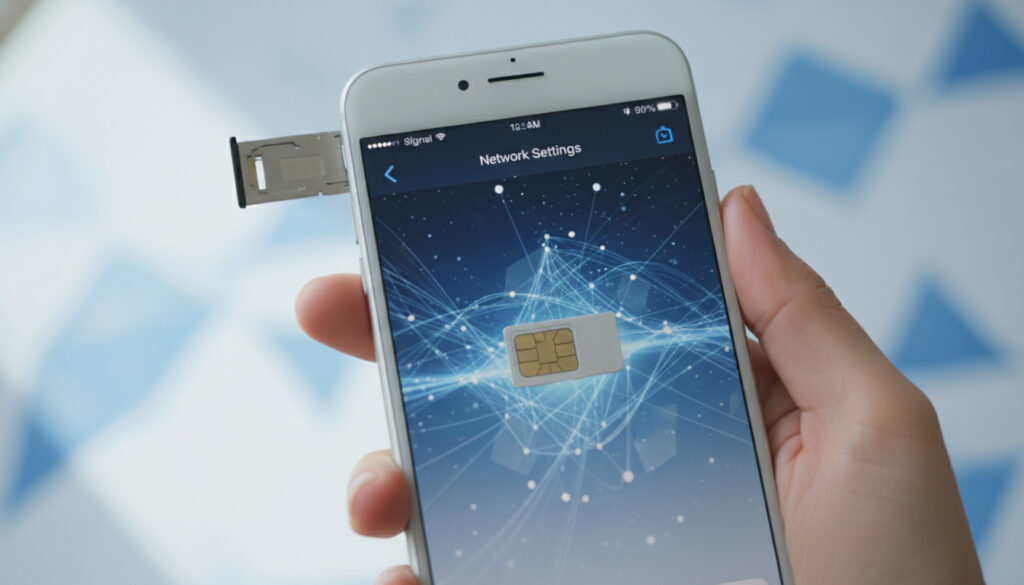
1. Check the unlock status in settings
The most reliable method to know if my iPhone is unlocked is to check your device’s settings directly. Apple offers a native check that clearly shows the carrier lock status.
Go to Settings > General > About on your iPhone. Scroll down until you find the line “Carrier Lock”. If you see the message “No SIM Restrictions”, your iPhone is fully unlocked and compatible with any SIM card from any carrier network.
This method works on all recent iOS versions and requires no external tools. It is Apple’s official reference to check the unlock status.
However, if you see the name of a specific carrier at this location, it means your phone is still locked. The carrier lock then restricts usage to SIM cards from that carrier only.
This iPhone status check is especially useful before traveling abroad or when switching carriers. Saily offers excellent eSIM solutions for travelers with unlocked iPhones.
Find the best eSIM for your trip
Compare available plans right now and travel with peace of mind!
Choose the best eSIM card2. Test with a SIM card from another carrier
The physical test remains the most concrete method to confirm that your iPhone accepts a compatible SIM card from any carrier. This practical approach gives you an immediate answer about the unlock status.
Here are the steps to follow for this test:
- 1. Turn off your iPhone completely
- 2. Remove the current SIM card using the eject tool
- 3. Insert a SIM card from a different carrier
- 4. Restart your device
- 5. Observe the startup behavior
If your iPhone starts normally and displays the new carrier network name without asking for an unlock code, congratulations! Your device is unlocked. Otherwise, an error message or a code request will appear, confirming the lock.
This method is recommended by Situx.fr as the most reliable for hands-on verification. It also works with eSIMs if your iPhone supports them.
Make sure the test SIM card is compatible with your iPhone model and comes from a different carrier than your current SIM.
3. Use the IMEI code for verification
The iPhone’s IMEI code is your device’s unique identifier and allows precise verification of the unlock status. This complementary method provides additional confirmation.
To get your IMEI, dial *#06# directly from the Phone app. The number appears immediately on the screen. You can also find it in Settings > General > About at the “IMEI” line.
| Access method | Location | Advantages |
|---|---|---|
| USSD code | Dial *#06# | Fast and universal |
| iOS Settings | General > About | Native interface |
| iPhone casing | Engraved on the chassis | Accessible even when off |
Once you have the IMEI, you can contact your carrier directly to know the unlock status. Some carriers also offer online services where you enter the IMEI to get this information instantly.
This approach is especially useful if you plan to use services like Airalo which require an unlocked iPhone to work properly with their international eSIMs.
Discover the best eSIM offers for your destination ✅
Compare thousands of packages in 200+ destinations
4. Contact your carrier for confirmation
Apple customer service and your mobile carrier remain the most authoritative sources to confirm your iPhone’s unlock status. This official step guarantees reliable and up-to-date information.
Prepare the following information before contacting your carrier:
- IMEI number of your iPhone
- Phone number associated with your line
- Contract details (duration, type of commitment)
- Proof of purchase of the device if requested
Most French carriers now offer online services to check the unlock status. Log in to your customer area and look for the section dedicated to mobile services or unlocking.
According to the Ubigi Blog, this method is especially recommended for users planning to travel abroad and use local eSIMs.
Keep a written record of your request and the carrier’s response. This documentation can be useful in case of disputes or for future procedures.
If you find out your iPhone is unlocked, you will be able to fully enjoy the best eSIM cards in the UK during your travels.
5. Unlocking procedures if necessary
If your iPhone is still locked, the unlocking procedure varies depending on your contract situation and your carrier. Unlocking the iPhone generally requires meeting certain prerequisites.
General unlocking conditions
- Minimum tenure of 3 months on the network
- Up-to-date bills with no outstanding payments
- End of commitment or carrier’s approval
- Legal ownership of the device
Unlocking process steps
- 1. Contact your carrier’s customer service
- 2. Provide your IMEI and customer information
- 3. Wait for confirmation (24 hours to 7 days depending on the carrier)
- 4. Make an iTunes/Finder backup
- 5. Restore your iPhone to finalize the unlocking
As stated by Apple Support, only your carrier can authorize unlocking your iPhone. Apple cannot intervene directly in this procedure.
Once unlocked, you can explore our comparison of the best global eSIM cards to optimize your international communications.
Save on your next trip with our eSIM offers ✅
Enjoy discounts up to 30% off with our exclusive promo codes
See promo codesFor frequent travelers, learning how to activate and set up an eSIM in Tanzania can be very useful once your iPhone is unlocked.
Guide Gratuit : Comment Voyager Moins Cher
Recevoir le guide6. Conclusion
Checking if your iPhone is unlocked is simple thanks to Apple’s official methods and practical tests with different SIM cards. Compatibility with international networks opens many possibilities to optimize your communications while traveling. Feel free to explore our eSIM solutions to fully enjoy your unlocked iPhone.
FAQ

Passionate about travel and tech, I have combined these two worlds to help travelers understand the numerous options to get Internet access abroad and identify the best option for them. As a software development engineer, I put my skills at the service of simple, practical and transparent content. My goal is to give you all the keys to stay connected easily and at the best price during your trips. 🌍📲